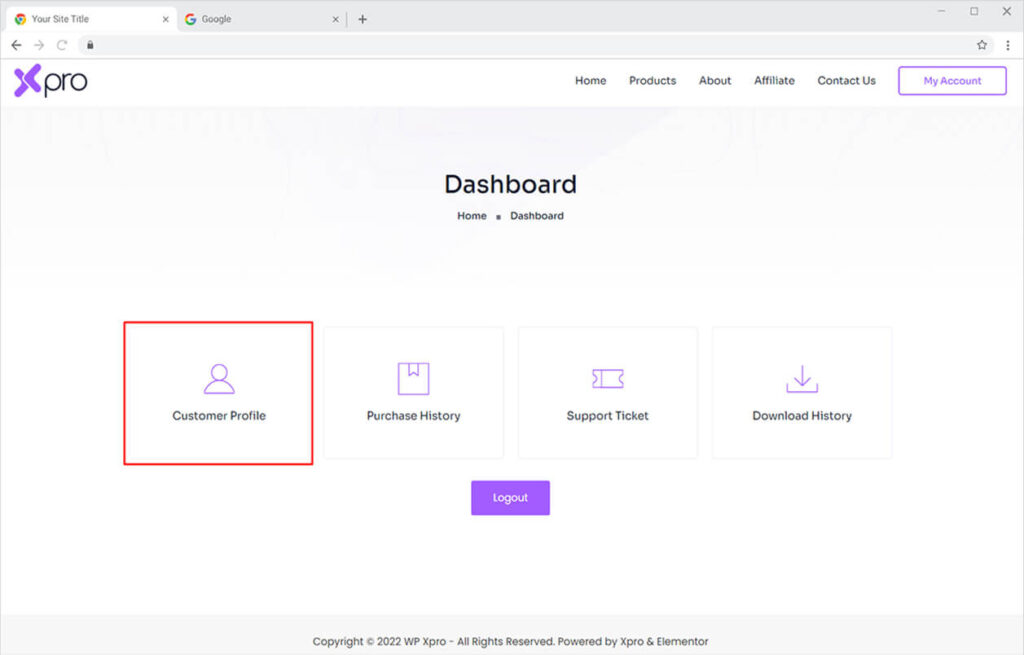
Once you’ve registered for an Xpro account, you can easily purchase a product or update your profile from the dashboard. Follow the steps below to see how you can update your Xpro Account Profile.
How to Update My Xpro Profile
To update your information, open your Xpro account dashboard and click on the ‘Customer Profile’ section.
Update Your Personal Information
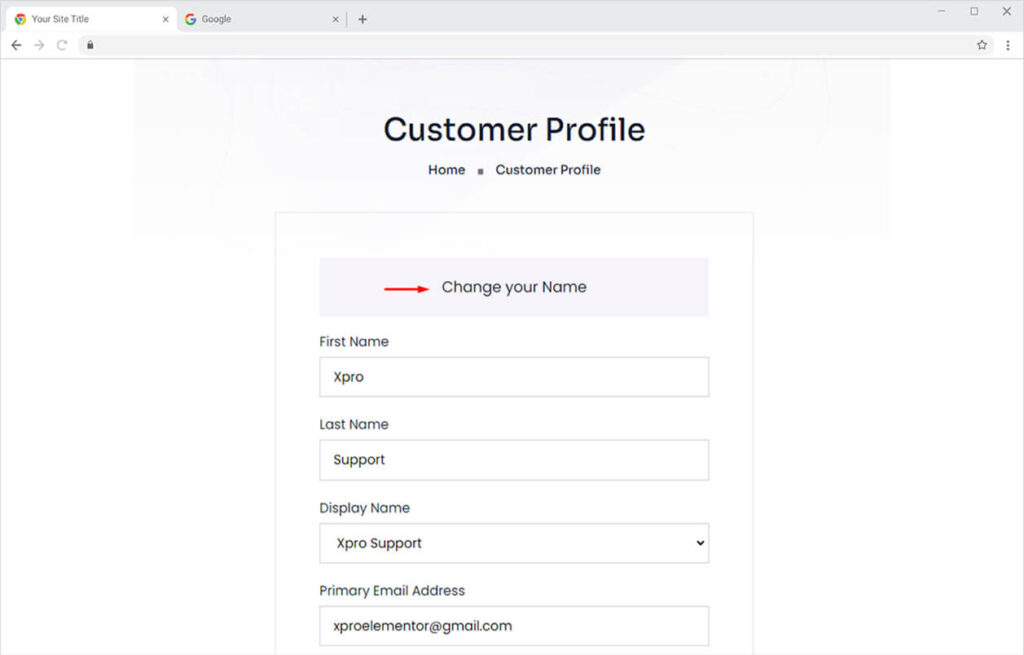
Once you open the ‘Customer Profile’ tab, you’ll see all details of your profile. You can update the following fields from the ‘Change your name’ section.
- First Name
- Last Name
- Display Name
- Primary Email Address
Update Your Billing Information
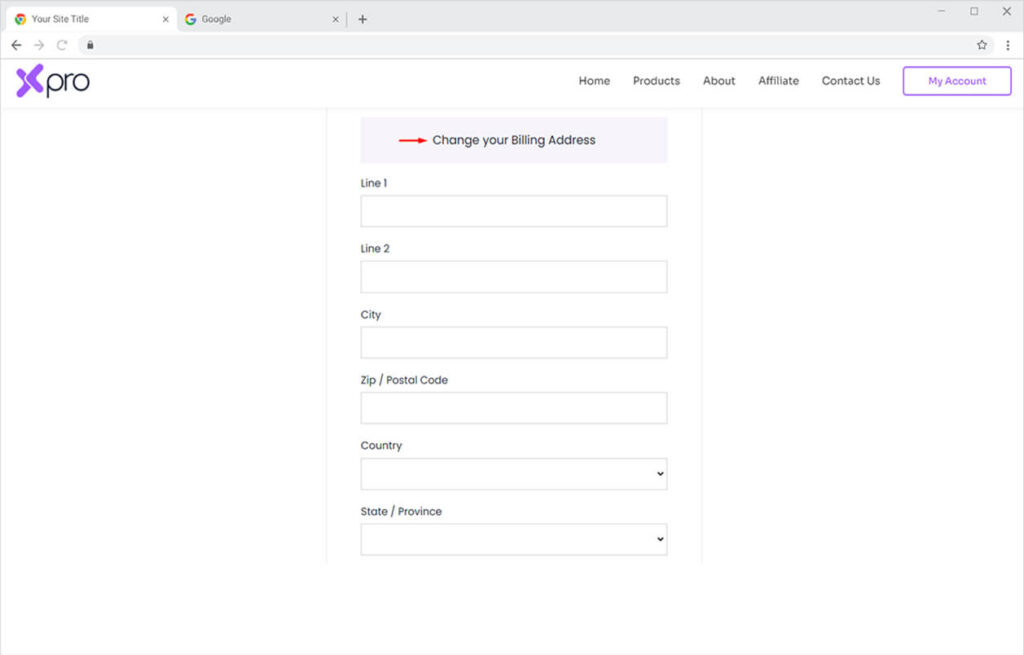
From the same ‘Customer Profile’ tab, you can also update your account billing information from the ‘Change your billing address’ section.
Update your Xpro Account Password
Similarly, you can easily update your password from the ‘Customer Profile’ section. Scroll to the bottom of the page to find the ‘Change your password‘ section.
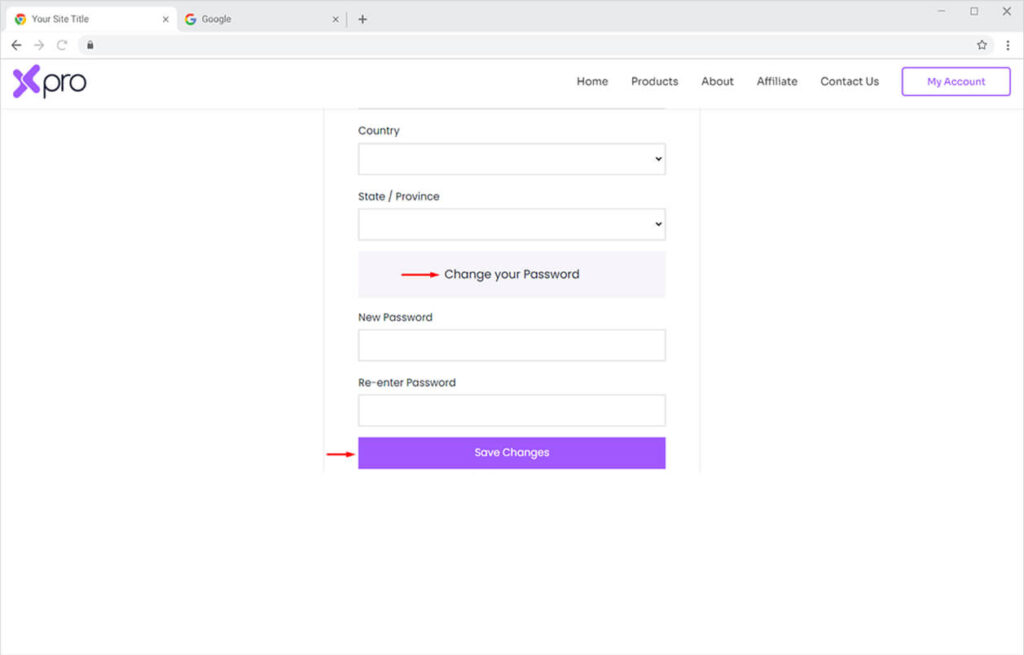
Don’t forget to save your changes after making any updates to your profile.
Update Payment Method of Your Xpro Account
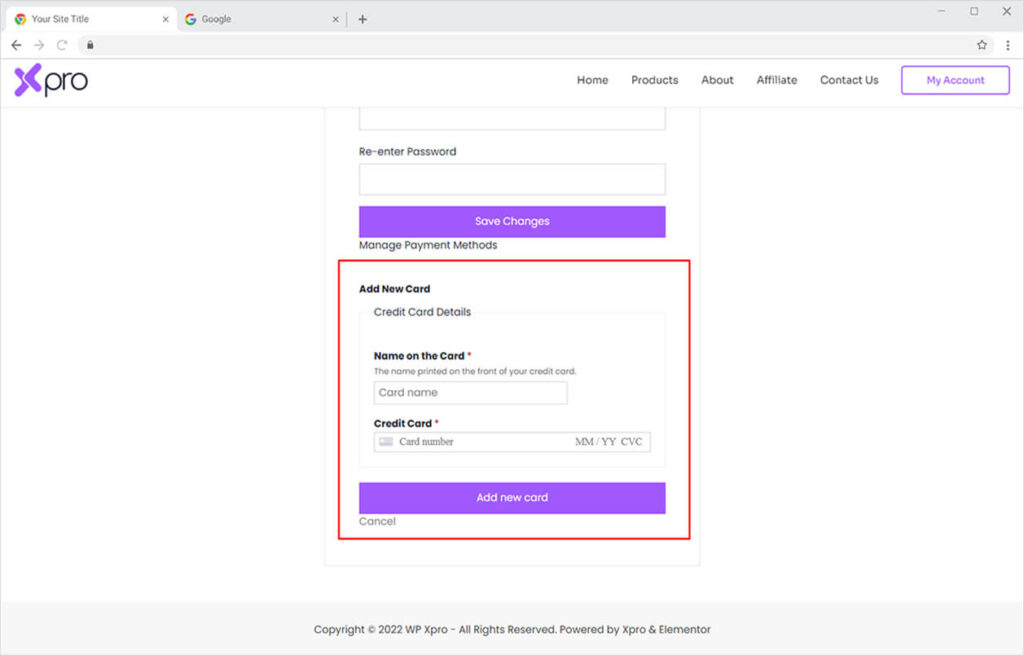
You can easily update your payment method in case you want to add a different Credit Card for recurring payments.
Click on the ‘Add new card’ button available under the ‘Manage Payment Methods’ option.
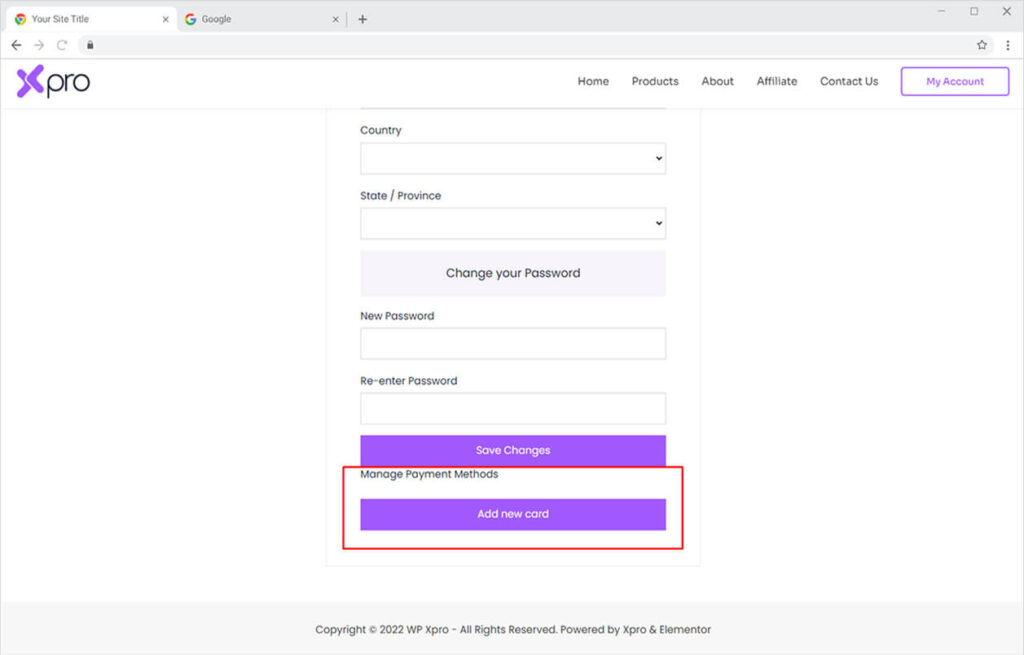
Add your valid credit card information and click on the ‘Add new card’ button to save changes.